
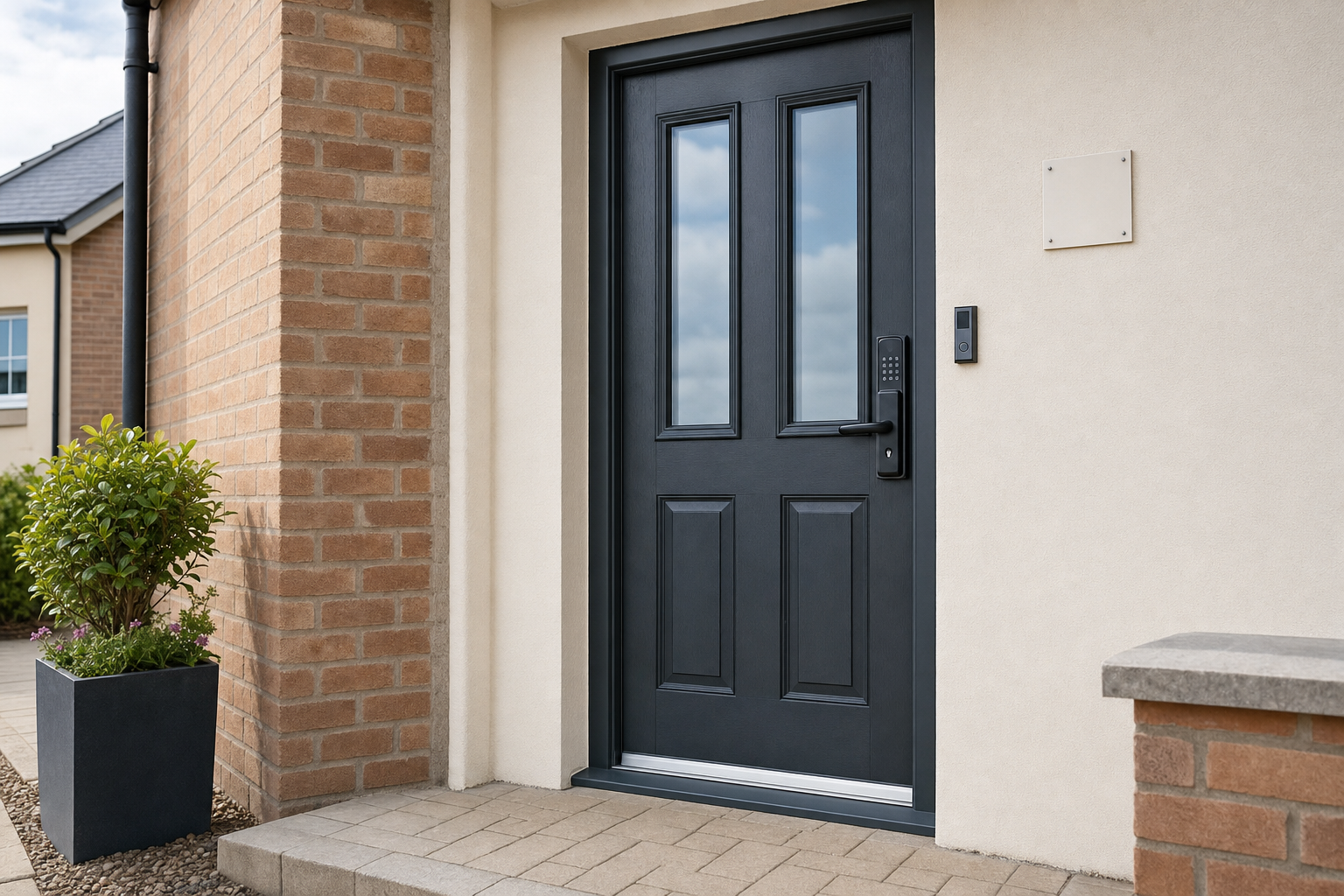
More control over who comes and goes
Door suitability checked
We assess the opening first, so the smart lock choice fits the door and existing hardware.
Access set around your needs
User numbers, temporary entry and daily routines all shape the setup from the start.
Servicing stays available
Smart lock support does not stop once the unit has been fitted and handed over.
Smart entry needs to suit the door and users
Smart locks can make entry easier to manage, but the right result depends on choosing a setup that suits the door and the people using it. When you bring a smart lock project to The Key Hole Surgery, we check the existing door, the current lock arrangement, power needs and how you want access to work day to day. That could mean codes, authorised devices or other electronic credentials, depending on the way the property is used.
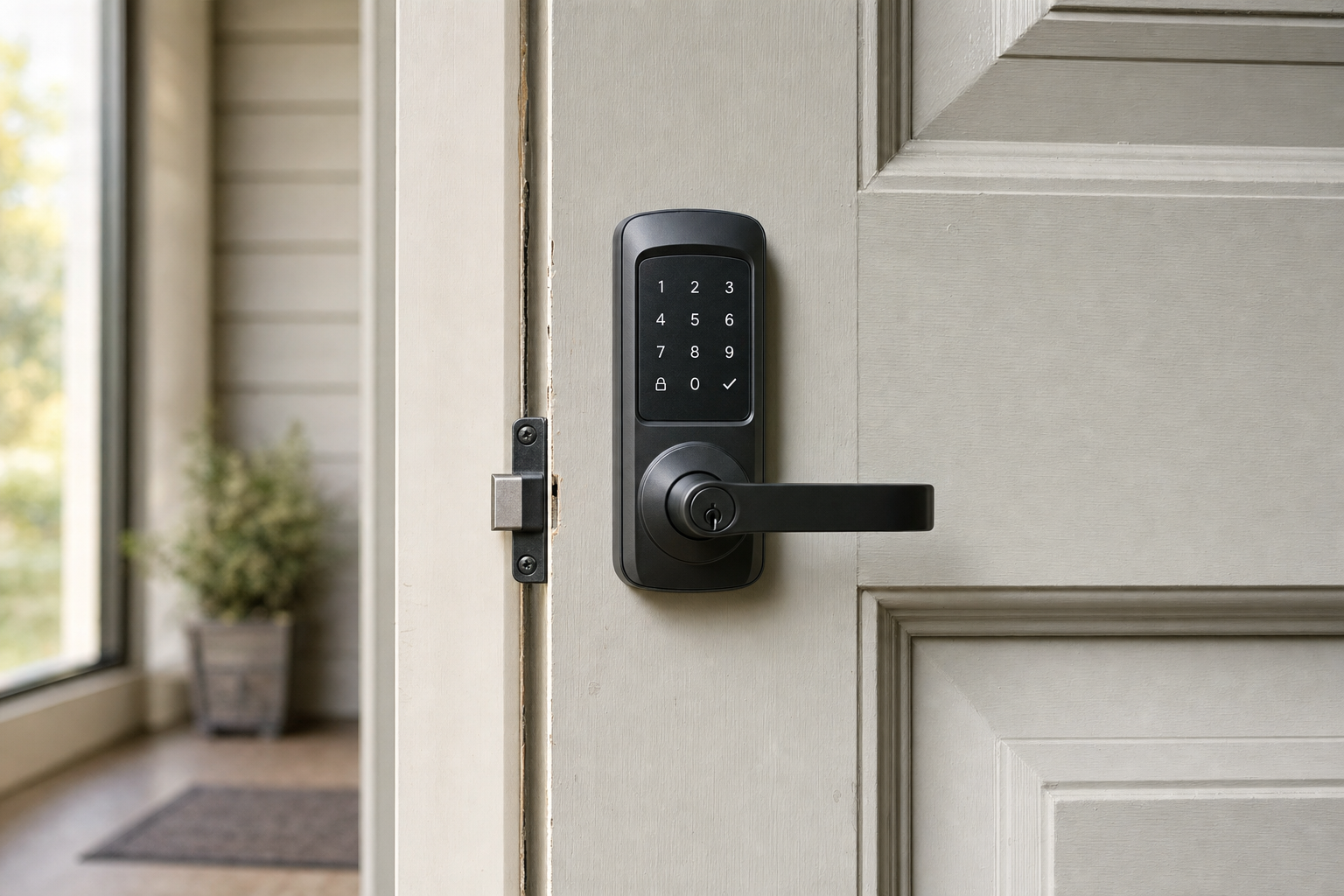
Fitted, set up and explained clearly
A smart lock should not leave you guessing how to use it once it is on the door. With The Key Hole Surgery, installation includes setup, user access configuration and a practical run through of locking and unlocking. We can also talk through user numbers, temporary access, battery management and keeping dependable physical security in place, so the system works properly for daily use and not just on the day it is fitted.
Frequently asked questions
Is a smart lock right for my existing door?
That depends on the door, the current lock arrangement and how you want entry to work. We check compatibility before fitting because a smart lock needs to work with the physical door in a dependable way, not just add electronic control on top of a poor setup.
Can different users have different access?
Yes, that is often one of the main reasons for choosing a smart lock. The exact options depend on the unit and the way you want entry managed, but we can discuss user numbers, temporary access and how you want everyday control to work before the setup is finalised.
Do you show us how the smart lock works?
Yes. We do not just fit the hardware and leave. After installation and setup, we run through normal locking and unlocking, explain the chosen access method, and cover practical points such as day to day use and battery management so the handover is clear.